
The main objective was to use geomatics and 3D visualization technology to capture Telus Spark and turn it into a usable VR model. Instead of only viewing the building as a point cloud, we wanted to process the data into a more realistic and interactive environment that users could walk through.
The project connected several areas of geomatics: laser scanning, point cloud registration, 3D modelling, mesh generation, texture processing, VR optimization, and Unreal Engine visualization. The final goal was not just to scan the building — it was to create something that felt like a real virtual tour.
Before entering Telus Spark, a GPS control network was established outside the building — placing a GNSS receiver on a tripod at control points to provide a georeferenced framework that grounded the entire interior survey.
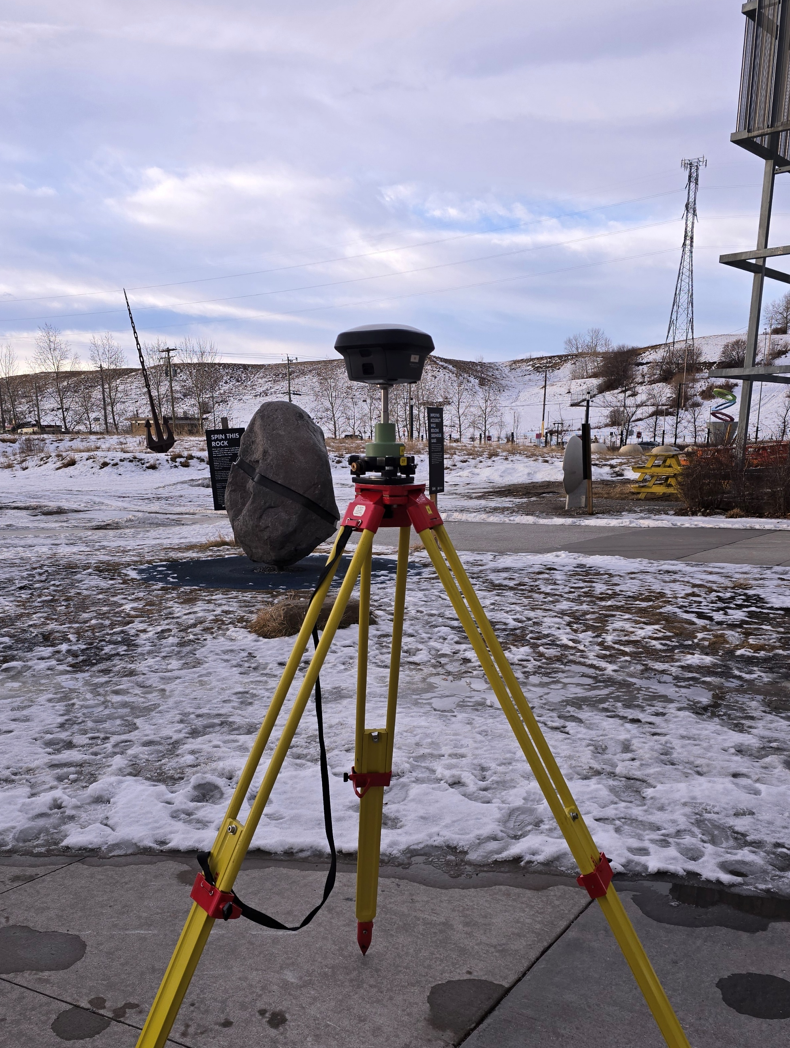
GNSS receiver on tripod — establishing the exterior control network
Two complementary Leica scanners were then used to capture the interior, each suited to different areas and conditions within the building.
Deployed in larger interior spaces for high-quality, high-density static scans. Provided the accuracy and detail needed for the main exhibit areas, delivering reliable scan coverage and strong geometric fidelity throughout.
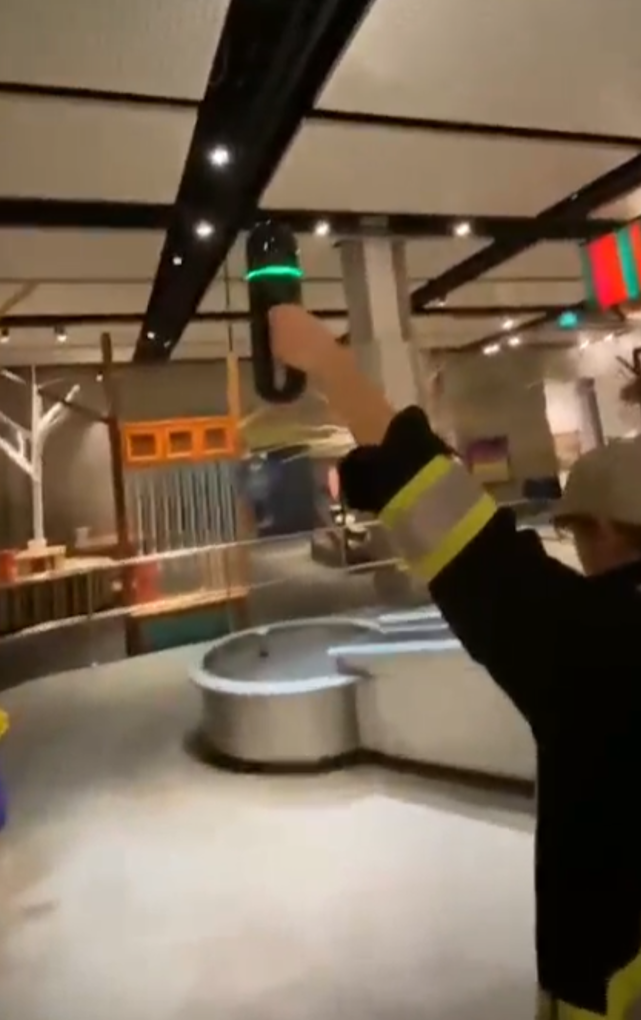
Used in tighter and harder-to-reach areas thanks to its SLAM-based mobile scanning. Allowed continuous capture while walking through the environment, efficiently filling in spaces where static setups were impractical.
Together the two scanners produced a more complete model than either could achieve alone — the RTC360 providing accuracy and detail, the BLK2GO providing coverage and speed in complex spaces.
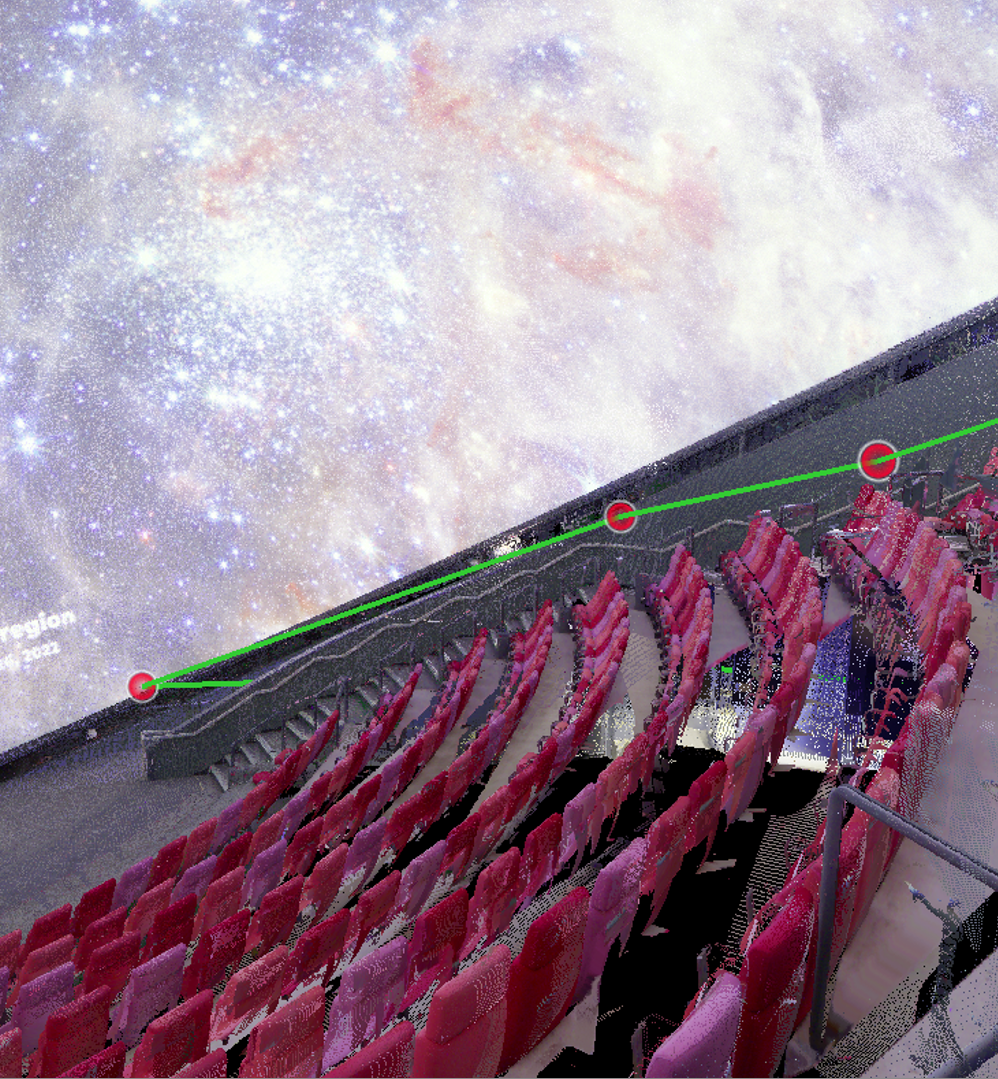
RTC360 capture — planetarium seating area with distance measurement
BLK2GO mobile scan — continuous SLAM-based capture through tighter spaces
After scanning, data was imported into Leica Cyclone REGISTER 360 / REGISTER 360+ to register scan positions, align the individual setups, and create a unified point cloud. The resulting dataset was substantial — E57 exports exceeded 100 GB — which made file size and processing power a major constraint throughout the project.
To manage this, the project was broken into smaller sections rather than processed as a single massive file. Data was exported in multiple formats depending on the downstream workflow: unified E57 files, per-setup E57 files, colourized point clouds, and mesh formats including OBJ, PLY, and FBX.
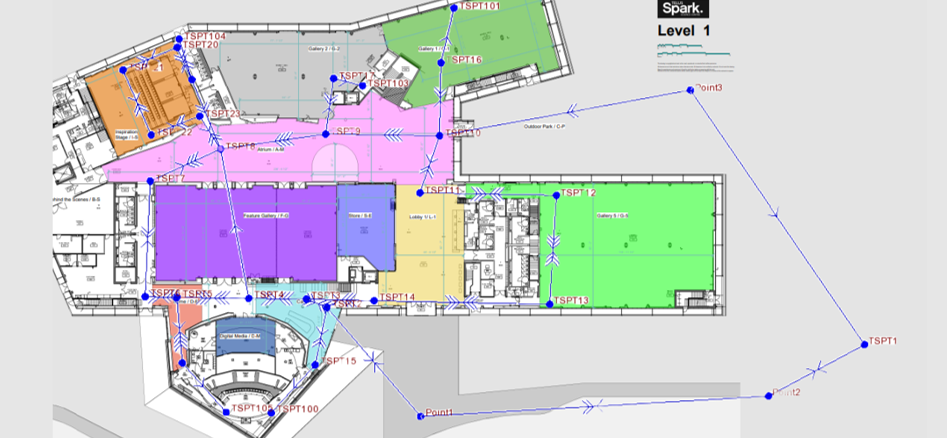
Cyclone Register 360 — registered scan positions overlaid on the first floor plan
One of the most significant challenges was getting the point cloud into RealityCapture / RealityScan properly. Some E57 exports caused issues because they did not contain the image data RealityCapture required — in those cases the software treated the data as pure LiDAR and produced errors such as "no features detected" or "no virtual images generated."
This required systematic testing of export methods to determine whether each E57 contained embedded panoramic images, vertex colour, scanner image data, or only raw point cloud geometry. When colour was present but usable images were absent, alternate approaches were used including CloudCompare meshing, Blender cleanup, and external photo texture projection.
CloudCompare was also tested for point cloud viewing, density reduction, and Poisson surface reconstruction. Cyclone 3DR was used to create limit boxes, divide the dataset into manageable sections, and export smaller chunks for downstream processing.
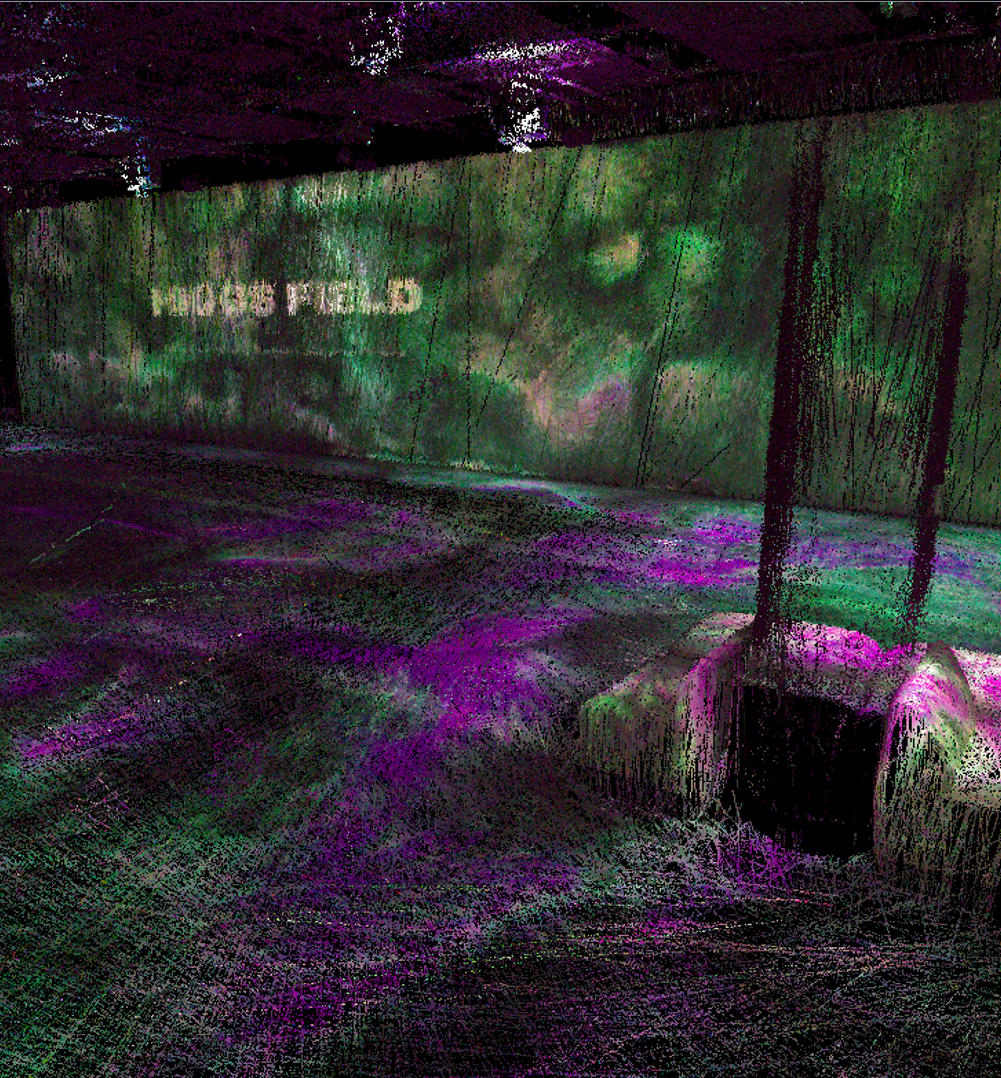
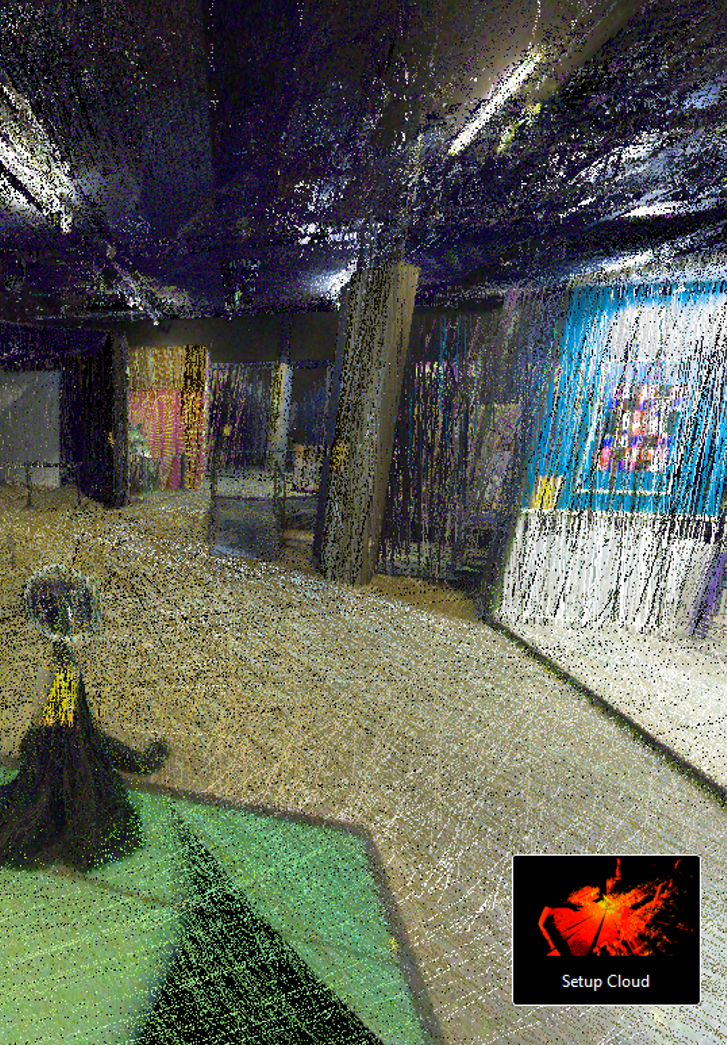
Colourised point cloud — exhibit room captured by RTC360
Cyclone 3DR — full first floor point cloud sectioned for processing
Once mesh data was generated, Blender was used to make the model suitable for real-time VR. Raw scan meshes are typically far too heavy for interactive use — a model can render well on a workstation but be completely unusable on a headset without significant optimization. This stage included polygon decimation, geometry cleanup, scale and origin correction, UV layout, texture baking, and FBX export for Unreal Engine.
The optimized model was imported into Unreal Engine and built into an interactive VR experience. This involved setting the correct real-world scale, adding collision geometry so users could physically walk through the space without falling through floors or walls, configuring a spawn point at realistic human height, and implementing VR navigation controls for joystick-based movement. The experience was tested and validated on the Meta Quest 3S headset.
An exterior intro scene was also explored — using architectural references, photos, and simplified Blender geometry — to allow the VR experience to begin outside Telus Spark before transitioning into the scanned interior.
Our Telus Spark capstone transformed real-world laser scan data into an interactive VR environment. By combining RTC360 and BLK2GO scanning, point cloud registration, mesh processing, Blender optimization, and Unreal Engine VR development, we created a repeatable workflow for turning large geomatics datasets into immersive virtual experiences — demonstrating both the potential and the practical challenges of using laser scanning for real-time VR applications.